CHATGO
1 Hour Ago
61 MB
6.2.2.7
Android 5.0 and above
119M+

Description
Artificial intelligence is becoming part of everyday mobile use. People now use AI to write messages, understand difficult topics, create ideas, generate visual content, and handle small daily tasks. ChatGO brings many of these AI tools together in one Android app, making them easier to access from a smartphone.
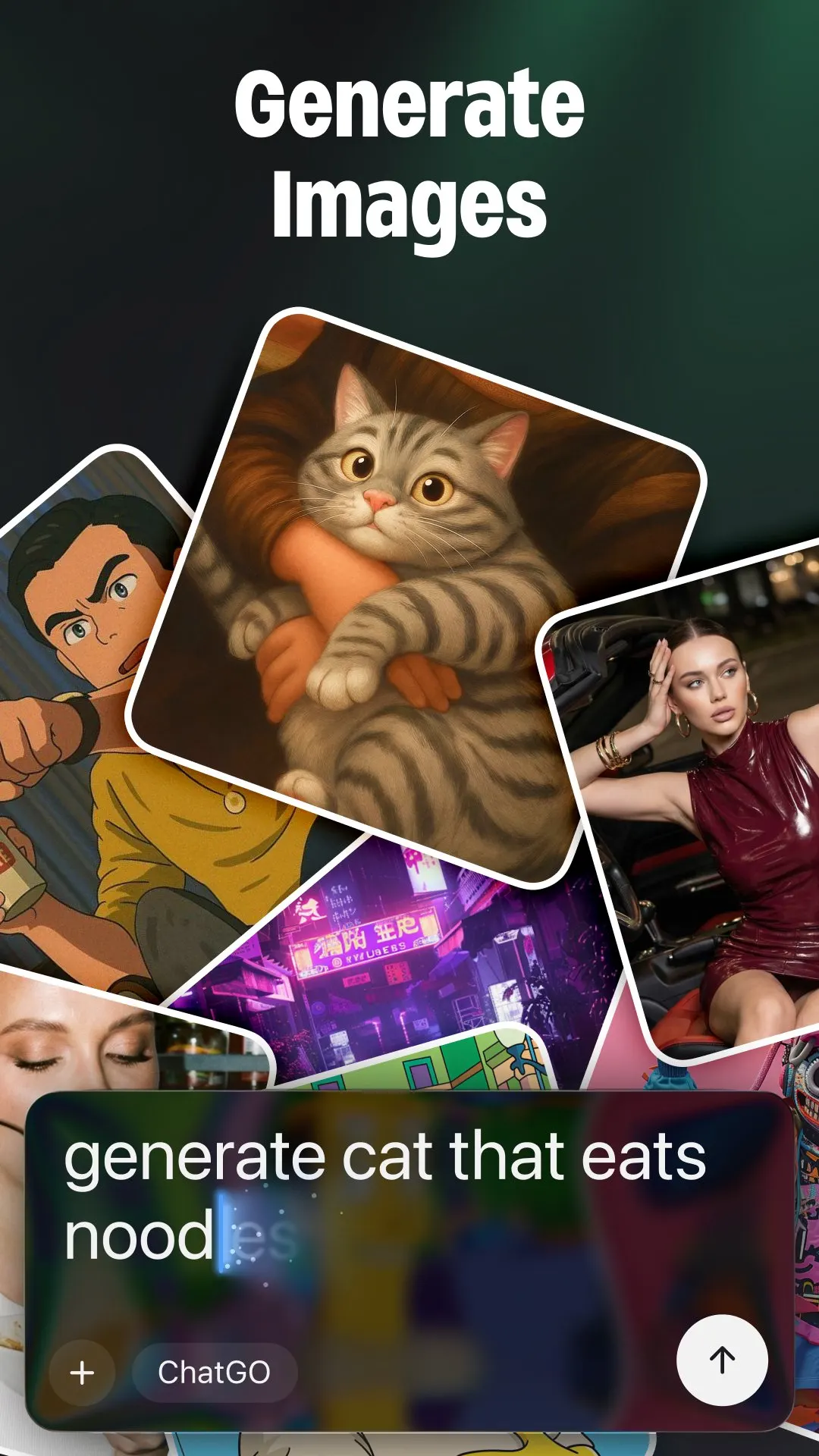
This Android app is more than a basic chatbot. Users can have AI-powered conversations, improve their writing, generate images, develop logo ideas, create signature concepts, and get assistance with different everyday needs. Instead of opening a separate tool for each activity, the app provides several creative and productivity features from one place.
This makes ChatGO APK useful for students, content creators, freelancers, small business owners, social media users, and anyone interested in exploring AI from an Android phone. The experience is designed around simple prompts: you describe what you need, provide useful details, and let the AI generate a response based on your request.
What Is ChatGO App?
ChatGO Android is an AI chatbot and assistant for Android. Its main purpose is to help users communicate with artificial intelligence through normal written prompts. You can enter a question, request, topic, or creative idea and receive an AI-generated response.
The app covers several types of tasks. Someone might use it to draft a short message in one session and then ask for writing ideas in another. Creative users can explore image generation, while people working on personal branding can experiment with logos or signature concepts.
This combination makes it a multipurpose AI app rather than a tool built around only one feature. The best way to use it is to treat each AI tool according to the task you want to complete.
For Android users who want faster access to their favorite apps and phone functions, the Shortcuts App is another useful tool to explore. It lets you create and manage custom shortcuts, helping you reach frequently used apps, settings, and supported activities with fewer steps.
How Does ChatGO APK Work?
Using the Chat GO begins with a prompt. A prompt is simply the instruction you give the AI. It can be a short question, a detailed writing request, an image description, or another supported task.
The quality of the prompt matters. For example, asking the AI to “write something about travel” gives it very little direction. Asking for “a short and friendly paragraph about preparing for a mountain trip” provides clearer information about the desired result.
Moreover, the Android AI tool processes the instruction and produces an AI-generated output. You can then review the result, change your instructions, add more details, or request another version until it better matches what you need.
My Experience With ChatGO AI APK
The useful thing about the ChatGO app is that you can move between very different activities without changing apps. One moment you can ask a general question, and the next you can work on a caption, writing idea, image concept, or logo.
The chat interface also makes AI easier to understand for beginners. You do not need programming knowledge to start. Writing clear instructions in normal language is enough for most everyday tasks.
I found that more detailed prompts generally make the experience more useful. Giving the AI information about the topic, tone, purpose, and desired length makes it easier to get a result that matches the original idea.
Top Features of ChatGO Android APK
AI Chatbot
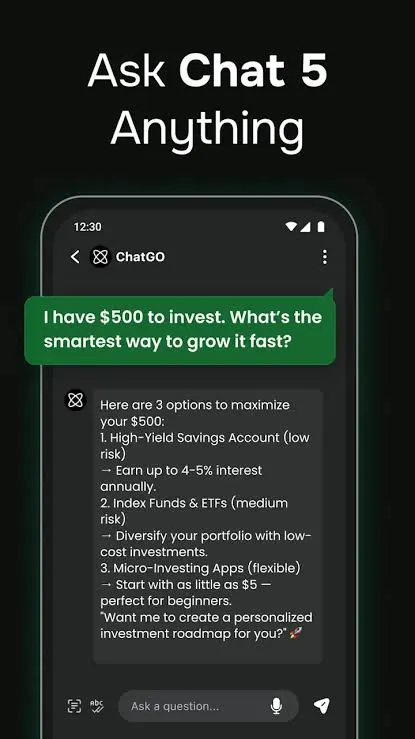
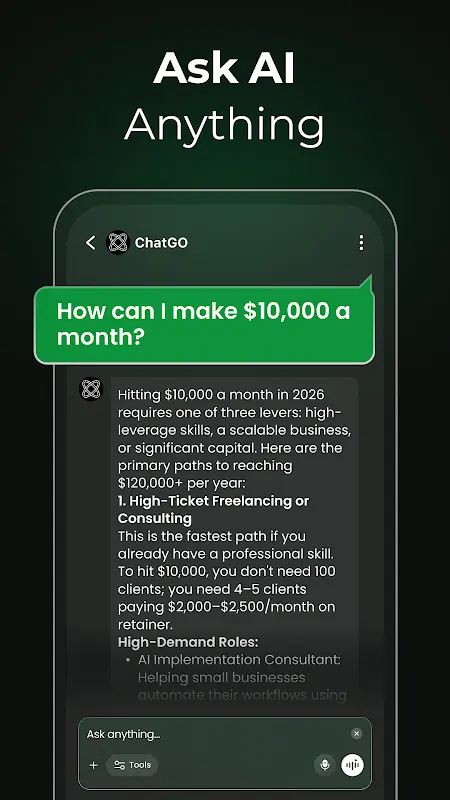
The AI chatbot is at the center of this amazing app. Users can type questions or instructions and continue the interaction as a conversation. This can be useful when exploring a new topic, developing an idea, preparing text, or simply experimenting with AI.
AI Writing Assistant
Writing is another important part of the app. This app can help users develop drafts for different everyday purposes, such as messages, captions, descriptions, introductions, outlines, and creative text.
AI Image Generation
Moreover, the Android app also includes creative image-generation capabilities. Users can describe the visual they have in mind and allow AI to turn the written concept into an image.
Logo Creation
Creating an initial logo concept can take time, especially when you do not know where to begin. Plus, it provides an AI-based way to explore logo ideas from written descriptions.
AI Signature Creator
Users looking for signature ideas can experiment with its signature-generation feature. This can be helpful when exploring different visual approaches for a name or personal identity. Trying several versions is useful because a signature is highly personal.
Everyday AI Assistance
Not every request needs to involve a large project. Moreover, the app can also help with smaller everyday activities such as organizing ideas, creating simple lists, rewriting sentences, preparing short notes, or explaining general concepts.
Idea Generation
Creative blocks happen when you know what you want to make but cannot decide how to begin. ChatGO can generate starting ideas based on a topic. Content creators might request post concepts, students can brainstorm project topics, and small businesses can explore names or promotional ideas.
Text Improvement
Existing writing can also be improved with AI. Users can provide their own text and ask for clearer wording, a different tone, shorter sentences, or a more organized version. This feature can be especially useful when the original idea is already good but the wording needs additional work.
What Can You Do With ChatGO APK?
The range of tools means different users can approach this app differently. There is no need to use every feature.
| ChatGO Tool | Useful For |
|---|---|
| AI Chat | Questions and conversations |
| Writing Assistant | Drafting and rewriting |
| Image Generator | Creating visual concepts |
| Logo Generator | Exploring branding ideas |
| Signature Creator | Developing signature styles |
| Idea Generator | Brainstorming new concepts |
| Text Improvement | Making existing text clearer |
| AI Assistant | Handling everyday prompts |
A student and a designer, for example, may use completely different parts of the same app. This flexibility is one of the advantages of having several AI functions together.
ChatGO for Learners
Students can use an AI assistant to make difficult material easier to approach. A long concept can be requested in simpler language, while a broad topic can be divided into smaller points for study. These tools work best as learning support rather than a replacement for actually understanding the subject.
Students should still verify important facts using their textbooks, teachers, or reliable academic sources because AI-generated answers can contain mistakes.
Best for Content Creators
Content creation involves much more than writing a final post. Creators regularly need topics, titles, captions, visual concepts, outlines, and new ways to present familiar ideas.
This Android app can support different stages of that process. A creator might brainstorm ten ideas first, select one, prepare a basic draft, and then create an image concept around the same topic.
For Work and Daily Tasks
Small writing tasks can consume more time than expected. Preparing a short description, organizing rough notes, rewriting a sentence, or brainstorming names are examples of jobs where an AI assistant can provide a useful starting point.
The AI assistant also allows users to enter these requests directly from an Android device. This can be convenient when a computer is unavailable or when an idea needs to be developed quickly.
Important professional, financial, legal, medical, or other high-impact information should always be checked with appropriate reliable sources rather than relying solely on an AI response.
How to Write Better Prompts in ChatGO APK
The AI needs enough context to understand what kind of result you expect. Instead of using very broad instructions, mention the most important details.
For example, rather than entering “create a logo,” you could describe the business type, brand name, visual style, symbols you want included, and the feeling the logo should communicate.
The same approach works for writing. Mention the audience, purpose, tone, length, and key information. You can then use follow-up prompts to make the output shorter, simpler, more detailed, or more creative.
How to Download and Install ChatGO APK?
Installing this app on Android follows the normal process used for supported Android applications. Before installation, confirm that you have the correct app and version.
- Find the ChatGO APK download option.
- Check the available app information.
- Start the download.
- Wait for the APK file to finish downloading.
- Open the downloaded file.
- Allow the required installation permission if Android asks.
- Tap Install.
- Wait for the installation to finish.
- Open the app.
- Complete any initial setup shown by the app.
- Choose an AI feature and enter your first prompt.
Tips for Getting Better Results
AI becomes more helpful when users communicate their requirements clearly. Small changes to a prompt can produce noticeably different outputs.
- Explain exactly what you need.
- Include important background details.
- Mention your preferred writing tone.
- Describe images clearly.
- Ask for another version when necessary.
- Break complicated tasks into smaller prompts.
- Review generated information before using it.
- Add your own ideas to AI-written content.
- Check important facts independently.
- Avoid entering sensitive personal information.
You can also continue a conversation when the first result is close but not perfect. Instead of creating an entirely new request, tell the AI what should be changed.
Using ChatGO for Creative Projects
One interesting part of this app is the connection between writing and visual creativity. A user developing a small project could begin by brainstorming a name, move to a short description, explore a logo concept, and then generate an image idea.
This does not mean AI automatically produces a finished professional project. Its value comes from speeding up experimentation and giving users more starting points. Creators can compare different outputs, keep the ideas they like, and develop them further using their own judgment.
Pros and Cons
Pros
- Multiple AI tools in one app.
- Simple chatbot interaction.
- AI writing assistance.
- Image-generation features.
- Logo creation tools.
- Signature design ideas.
- Useful for brainstorming.
- Supports everyday tasks.
- Suitable for different types of users.
- Easy prompt-based workflow.
Cons
- AI responses may contain errors.
- Results depend heavily on prompt quality.
- Generated images may require several attempts.
- Some outputs may need manual editing.
- Features may differ between app versions.
Is ChatGO APK Safe to Use?
When using any AI assistant, users should think carefully about the information they enter. Private passwords, banking details, confidential documents, verification codes, and other sensitive information should not be placed into ordinary AI prompts.
For Android installation, check the source of the APK and review the permissions requested by the app. Keeping the phone and application updated can also help maintain a more reliable experience.
AI-generated information itself should be treated thoughtfully. ChatGO can provide useful assistance, but an AI response is not automatically correct simply because it sounds confident.
Who Should Use ChatGO APK?
Chat GO App can be useful for people who want several AI tools available from one Android application. Writers can use it for drafts, students can explore explanations and study ideas, creators can experiment with images, and business users can brainstorm branding concepts.
Beginners can start with simple chatbot conversations before moving to image, logo, or signature tools. More experienced AI users can experiment with detailed prompts and repeated refinements to produce more specific results.
The app is designed for a broad audience rather than one country. Its AI features can be useful to supported users worldwide.
Conclusion
ChatGO APK combines AI chat, writing assistance, image generation, logo ideas, signature creation, and everyday AI tools in one Android experience. Instead of limiting users to basic chatbot conversations, it provides different ways to turn written prompts into useful text and creative concepts.
Its strongest value comes from flexibility. You can use this app for a quick question today and return later for writing, brainstorming, or visual creation. Clear prompts, careful review, and personal input can help users get much more useful results from the app.
FAQs
No. Its described features go beyond normal AI chat and include creative tools such as image, logo, and signature generation.
Yes. Users can use its AI tools to generate drafts, improve existing text, brainstorm ideas, and experiment with different writing styles.
Yes. Image generation is one of the described features of ChatGO. Users can provide a written prompt describing the visual they want.
Yes. ChatGO includes logo creation among its AI features, allowing users to experiment with branding concepts from prompts.
Yes. Signature creation is included among the app’s described creative AI tools.
Download links
How to install CHATGO APK?
1. Tap the downloaded CHATGO APK file.
2. Touch install.
3. Follow the steps on the screen.