Nagad
1 Hour Ago
80 MB
1.5
Android 5.0 and above
50M+

Description
Paying bills, sending money to family, recharging a phone, and managing small daily expenses are now common tasks people handle from their smartphones. Nagad brings these activities into one digital wallet, giving Bangladeshi users an easier way to manage money without depending on cash for every payment.
The app is useful because it fits naturally into everyday routines. A user may receive money from a family member, use part of that balance for mobile recharge, pay a supported bill later, and withdraw cash when needed. Everything can be managed through the same account, which keeps regular financial tasks organized and easy to follow.
For people across Bangladesh, this combination of digital payments and access to physical cash makes the service practical for different situations. Students, families, workers, shoppers, and small business users can each use the wallet in their own way without needing every available feature.
If you also want another popular mobile wallet option, the bKash app is worth exploring. It offers useful services such as money transfers, mobile recharge, bill payments, merchant payments, and everyday balance management for users across Bangladesh.
What Is Nagad APK?
Nagad APK is the Android application package for Nagad, a mobile financial service available in Bangladesh. It allows eligible users to access their wallet from an Android phone and manage supported transactions through a mobile-friendly interface.
The platform brings together services such as Send Money, Cash In, Cash Out, mobile recharge, bill payment, Add Money, merchant payments, and transaction records. Instead of visiting different places for simple financial tasks, users can complete many of them directly from their phones.
What makes the service more practical is that users are not limited to digital spending. Money can enter the wallet, move between accounts, be used for eligible payments, or return to physical cash when required. This flexibility makes the app useful for both occasional and regular users.
A Wallet That Fits Into Daily Life
Digital payments become valuable when they save time on things you already do. Imagine that your mobile balance finishes while you are outside. Instead of looking for a recharge shop, you can use the available wallet balance to complete an eligible recharge from your phone.
The same idea works when someone in your family needs money. Rather than waiting until you can meet in person, an eligible transfer can move funds directly between accounts. Later, the recipient can decide whether to keep the money digitally, spend it through supported services, or withdraw cash.
This is where the Nagad app becomes more than a single-purpose payment tool. Different services work around the same balance, allowing users to choose what they need at a particular moment.
Everyday Features of Nagad Wallet
Fast Money Transfer
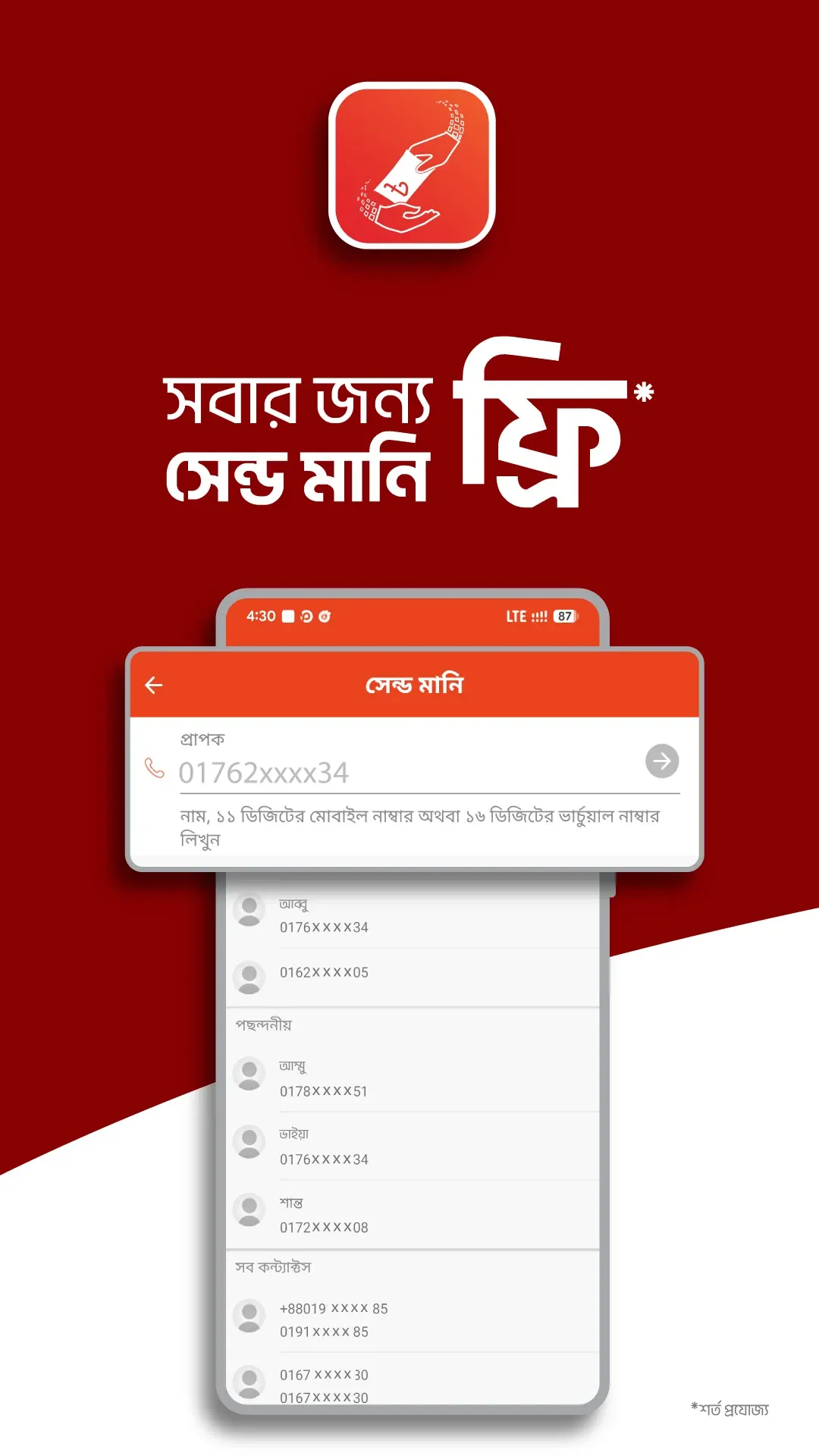
Send taka directly to supported recipients from your mobile wallet. The process is quick and useful for family transfers, shared expenses, and everyday payments. You can also review the transaction after completing it.
Cash In and Cash Out
Add physical money to your wallet when you need digital balance and withdraw it again when you need cash. This flexibility makes the service useful for both online and everyday offline payments.
Mobile Recharge
Recharge supported mobile numbers directly from your phone without visiting a recharge shop. You can use it for your own number or help family members and friends when they need balance or an available package.
Easy Bill Payments
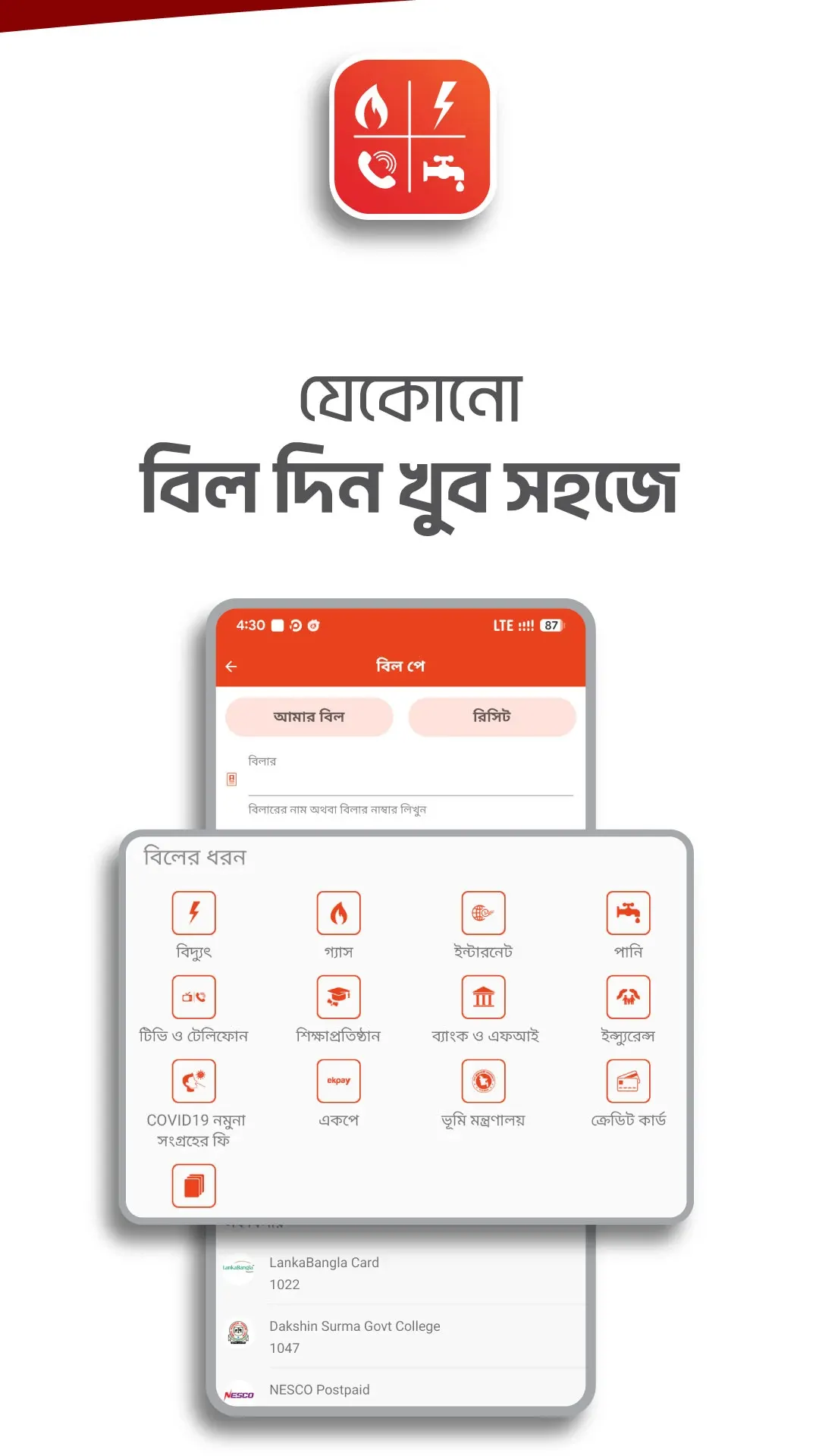
Pay supported electricity, gas, water, internet, and other regular bills from your phone. Transaction records also make it easier to check previous payments and keep track of monthly expenses.
Merchant and QR Payments
Pay at participating shops using your available wallet balance instead of withdrawing cash first. Supported QR payments make the process faster by letting you scan the code, review the details, and confirm the payment.
More Than One Way to Use Your Balance
The same wallet balance can serve different purposes throughout the day.
| Service | How It Helps |
|---|---|
| Send Money | Transfer funds to another eligible account |
| Cash In | Turn physical cash into wallet balance |
| Cash Out | Withdraw available balance as cash |
| Add Money | Bring funds in through supported methods |
| Mobile Recharge | Recharge eligible mobile numbers |
| Bill Payment | Handle supported household bills |
| Merchant Payment | Pay participating shops |
| QR Payment | Make supported payments by scanning a code |
| Remittance | Receive eligible funds sent from abroad |
| Transaction Records | Review previous wallet activity |
Services, transaction limits, fees, and requirements can change over time. Users should therefore check the information shown inside the current app when completing an important payment.
Creating an Account for the First Time
Opening a financial account naturally requires more information than signing up for an entertainment app. New users need to follow the identity and verification process shown during registration and provide the requested information carefully.
Take your time during this stage. Make sure your details are correct and create a PIN that other people cannot easily guess. Since the account will later handle real money, careful setup is more important than finishing registration quickly.
The general process is straightforward:
- Install and open the application.
- Choose the registration option.
- Enter the requested mobile information.
- Provide the required identity details.
- Complete the verification process.
- Review the submitted information.
- Create a private PIN.
- Finish the remaining setup.
- Sign in to your account.
- Explore the main dashboard.
After registration, spend a few minutes learning where the important services are located. Understanding the dashboard first can make future transactions much quicker.
Your PIN Should Stay With You
A PIN is not something to share simply because another person is helping with a transaction. It protects access to important account activities and should remain known only to the account holder.
Avoid easy combinations that people around you could guess. Birth dates, repeated numbers, and other obvious patterns may be easier to remember, but they can also be easier for someone else to predict.
Enter the PIN yourself whenever confirmation is required. Even if another person guides you through the earlier steps, you should handle this final part privately.
Sending Money Step by Step
Transferring funds can become a normal routine once you understand the process. The most important part is checking everything before the final confirmation rather than rushing because you have completed similar transfers before.
A typical process can look like this:
- Open the Nagad app.
- Choose Send Money.
- Enter the recipient information.
- Add the amount.
- Review the recipient carefully.
- Check the amount again.
- Complete any other requested details.
- Enter your PIN.
- Confirm the transfer.
- Review the transaction record.
For regular transfers to family or friends, saving the correct contact information can make future use easier. Still, check the recipient before each payment.
Making Cash Out Easier
Before withdrawing money, first check your available balance. Knowing how much is inside the wallet helps you decide how much you want to keep digitally and how much you actually need in cash.
At the supported withdrawal point, follow the current process and review the amount and applicable information before confirmation. Do not enter your PIN until the transaction details match what you requested.
After receiving the money, count it and keep the confirmation until everything is complete. This creates a clear ending to the transaction instead of relying only on memory.
Recharge Without Interrupting Your Day
Running out of balance does not always happen at a convenient time. You might be travelling, studying, working, or simply at home when you suddenly need mobile data or talk time.
A digital recharge can solve this without changing your plans. Open the relevant section, select or enter the number, choose the available recharge option, and check everything before payment.
This becomes even more useful when helping family members living somewhere else. Distance does not prevent you from completing an eligible recharge for the correct mobile number.
Make Bill Day Less Complicated
Regular bills are easier to manage when you develop a routine. Instead of waiting until the last moment, you can check upcoming payments and make sure enough balance is available beforehand.
When paying, enter the requested billing information carefully. Long customer or meter numbers deserve an extra check because one incorrect digit can change the information being submitted.
Once the payment succeeds, review the transaction and keep its record. Over time, these records can also help you remember which bills have already been handled.
A Practical Option for Students
Students often deal with small but frequent expenses. Mobile data, recharge, shared costs with friends, money received from home, and occasional purchases can all happen within the same week.
A mobile wallet can keep these activities together and make them easier to review. Instead of trying to remember where several small amounts went, students can look through their transaction activity and understand their spending more clearly.
This can also encourage better budgeting. If a student notices that too much balance is disappearing through frequent small purchases, they can adjust their spending before the next week or month.
Useful for Families Living Apart
Many Bangladeshi families have members living in different cities or districts because of work, education, or other responsibilities. Sending physical cash is not always the most convenient option in these situations.
Digital transfers can make everyday support much easier. A parent can send funds to a student, one family member can contribute toward an expense, or relatives can transfer money when it is needed.
The recipient then has flexibility. They may use the balance digitally for an eligible service or withdraw part of it when physical cash is more useful.
Receive Eligible Money From Abroad
For households with relatives working overseas, remittance can form an important part of family finances. Supported services can allow eligible international transfers to reach a mobile financial account through approved channels.
Receiving funds digitally can be convenient because the money is already available within an account that can support other everyday transactions. Depending on current services, the recipient can decide how they want to use or withdraw it.
International transfer requirements and benefits can change, so the sender and receiver should always check the current conditions before arranging a remittance.
Keep Better Track of Your Spending
One advantage of digital transactions is that you do not have to remember every payment yourself. Transaction records provide a useful history of transfers, recharges, withdrawals, and other completed activities.
Checking this history once in a while can reveal patterns. You may discover that mobile recharge takes more of your balance than expected or that frequent small merchant payments add up to a significant amount.
This turns the wallet into more than a payment method. Used thoughtfully, the transaction record can also help you understand how you handle everyday money.
How to Download and Install Nagad APK?
Financial apps deserve extra care during installation because users later enter personal information and manage real funds through them. Check the application identity and version carefully before signing into an account.
Android users can follow these basic steps:
- Find the genuine Android application.
- Check its name and publisher information.
- Review the current version details.
- Start the download.
- Allow installation to complete.
- Open the application.
- Register or sign in.
- Review the requested permissions.
- Explore the account dashboard.
- Keep the app updated when a compatible update becomes available.
If you manually install an APK file, pay additional attention to where the file came from and whether it matches the version you intended to use.
Small Habits That Make Digital Payments Easier
Good account management does not require complicated knowledge. Most useful habits take only a few seconds and can become a normal part of every transaction.
- Check phone numbers before transfers.
- Review the amount before confirmation.
- Keep your PIN private.
- Read merchant information before paying.
- Check your balance regularly.
- Review transaction history.
- Keep important payment confirmations.
- Enter bill information carefully.
- Check current limits when necessary.
- Keep your registered mobile number secure.
- Review unfamiliar account activity.
- Use an up-to-date compatible app version.
Following the same routine each time can make digital transactions feel more organized and predictable.
Digital Wallet or Cash – When Does Each Help?
Cash remains important in everyday life, while a mobile wallet adds another option rather than completely replacing it. Physical taka can be convenient for small local payments, while digital balance can make transfers, supported bills, and other mobile transactions easier.
Digital payments also create records automatically. With physical cash, several small purchases can be difficult to remember at the end of the week. A transaction history gives users something they can look back at.
The useful part is having access to both. Cash In and Cash Out create a connection between physical money and wallet balance, allowing users to choose the form that best suits each situation.
Who Can Benefit From Nagad?
The service can fit different lifestyles because people do not need to use every feature in the same way. Students may care most about recharge and receiving money, while parents may use transfers and bill payments more often.
Workers can use it for everyday transactions, shoppers can make eligible merchant payments, and families can move funds between members living in different places. People receiving eligible remittances may have another reason to keep the wallet available.
The most useful feature is therefore not necessarily the same for everyone. Its value comes from giving users several financial tools and allowing them to choose the ones that match their own routine.
Pros and Cons
Pros
- Designed for everyday payments in Bangladesh.
- Easy person-to-person transfers.
- Cash In and Cash Out options.
- Mobile recharge support.
- Available bill payment services.
- Merchant and QR payments.
- Add Money options where supported.
- Transaction records for easier tracking.
- Useful for students and families.
- Connects physical cash with digital balance.
- Several financial tools in one account.
Cons
- Charges can apply to certain transactions.
- Transaction limits may vary.
- Available services can change over time.
- Users need to check details carefully before payment.
- App-based services depend on suitable mobile connectivity.
Is Nagad APK Safe to Use?
Financial apps should always be handled with more care than ordinary entertainment apps. Start by making sure you have the genuine application before entering account details or financial information.
How you use the account matters just as much. Keep your PIN private, check transaction details before confirming, and review account history from time to time. Never give sensitive information to an unknown person simply because they claim they need it to help with your wallet.
If you notice something unusual, use the current official customer-support options provided by the service. Acting quickly and keeping account information private are sensible habits for any digital financial account.
Why This Wallet Can Stay Useful Over Time
The strongest part of Nagad Android is not one individual feature. It is the way several everyday financial activities can work around the same account without forcing users to treat each task separately.
Someone may initially create an account simply to receive money. Later, they might begin using mobile recharge, bill payments, Cash Out, or merchant transactions as those needs appear. This allows the service to remain useful even when a person’s routine changes.
For Bangladeshi smartphone users, that flexibility can be more valuable than having a long list of features. The app is there when a particular financial task appears, while users remain free to use only the services they actually need.
Conclusion
No doubt, Nagad APK brings everyday financial activities into a mobile-friendly platform for Bangladeshi Android users. From sending and receiving funds to recharge, bill payments, shopping, Cash In, and Cash Out, the wallet can support several common money needs without making each one a separate process.
Its practical value comes from flexibility. Digital balance can be used when mobile payment is convenient and converted into physical taka when cash is the better choice. Transaction records also give users a simple way to look back at how their account has been used.
For people who want to manage routine payments from their phones, Nagad provides a useful connection between everyday cash needs and Bangladesh’s growing digital payment experience.
FAQs
Yes. Eligible users can use the Send Money feature to transfer funds to supported recipients.
Yes. Supported mobile recharge options allow users to pay for eligible numbers directly from their wallet.
Supported bill payment services are available for eligible providers and accounts.
Yes. Cash Out allows eligible users to withdraw available wallet funds through supported channels.
Keep your PIN private and enter it yourself whenever account confirmation is required.
Download links
How to install Nagad APK?
1. Tap the downloaded Nagad APK file.
2. Touch install.
3. Follow the steps on the screen.