bKash
1 Hour Ago
45 MB
7.3.5
Android 5.0 and above
100M+

Description
Managing everyday payments has become much easier for smartphone users in Bangladesh. Instead of carrying cash for every small payment or visiting a physical location for basic financial tasks, people can now handle many transactions directly from their phones. bKash APK is one of the most widely used mobile financial service apps built around this idea.
The app brings several useful services into one place. Users can send money, receive funds, recharge mobile numbers, make merchant payments, pay different bills, add money, cash out, and access other financial services from their account. This makes the app useful for everyday transactions as well as regular money management.
Another useful part of the bKash app is its simple, mobile-focused design. Important services are displayed clearly, so users do not have to move through complicated menus every time they want to complete a transaction. For people in Bangladesh who already use this wallet application regularly, it provides a convenient way to keep most account activities in one dashboard.
What Is bKash APK?
bKash APK is the Android application of bKash, a mobile financial service in Bangladesh. It allows registered users to access their accounts from an Android smartphone and perform different financial activities digitally.
Your mobile number works as your account number after registration. From the app, you can access services such as Send Money, Cash Out, Mobile Recharge, Payment, Add Money, Pay Bill, Savings, Request Money, Remittance, bKash to Bank, education fee payments, and other supported services.
The app is designed to reduce the number of steps needed for common transactions. For example, you can recharge a mobile number without buying a recharge card, pay supported bills without standing in a payment queue, or transfer money to another user directly from your phone.
How Does bKash Android APK Work?
Using the bKash app starts with a registered account. New eligible users can also begin the account-opening process through the application by following the identity-verification steps provided by this application. The official website currently states that account opening can be completed through the app using supported identification documents and the required verification process.
After logging in, the home screen provides access to the main financial services. A user can select the required option, enter the necessary information, review the transaction details, and complete the transaction using the security steps shown by the app.
Some of the most commonly used areas include
- Send Money
- Cash Out
- Mobile Recharge
- Make Payment
- Add Money
- Pay Bill
- Request Money
- bKash to Bank
- Savings
- Remittance
- Education Fee
Because these services are organized within one account, users can complete many everyday financial activities without switching between several apps.
My Experience With bKash Android App
The first thing that stands out about the bKash app is how clearly the main services are presented. Instead of filling the home screen with complicated financial terms, it focuses on recognizable options such as Send Money, Mobile Recharge, Cash Out, Payment, and Pay Bill.
For a regular user, this organization makes a difference. If you need to recharge a phone, for example, you can go directly to the recharge section rather than searching through several menus. The same approach applies when sending money or paying a bill.
Another useful part is having transaction-related services connected to the same account. You can use your balance for different purposes and check the relevant details before confirming a transaction.
Overall, the interface feels designed around the everyday needs of Bangladeshi mobile users. New users may need some time to understand every service, but basic options are relatively easy to locate.
Top Features of bKash Android APK
Send Money
Send Money is one of the main services available inside the app. It allows users to transfer funds from their account to another supported mobile number. bKash BD also provides additional Send Money options, including Priyo Numbers and Group Send Money.
Mobile Recharge
The app can be used to recharge supported mobile numbers directly from a bKash balance. This is useful when you need mobile balance quickly because the complete process can be handled from the phone. Users should check the selected number, operator, and recharge amount carefully before confirming.
QR and Merchant Payments
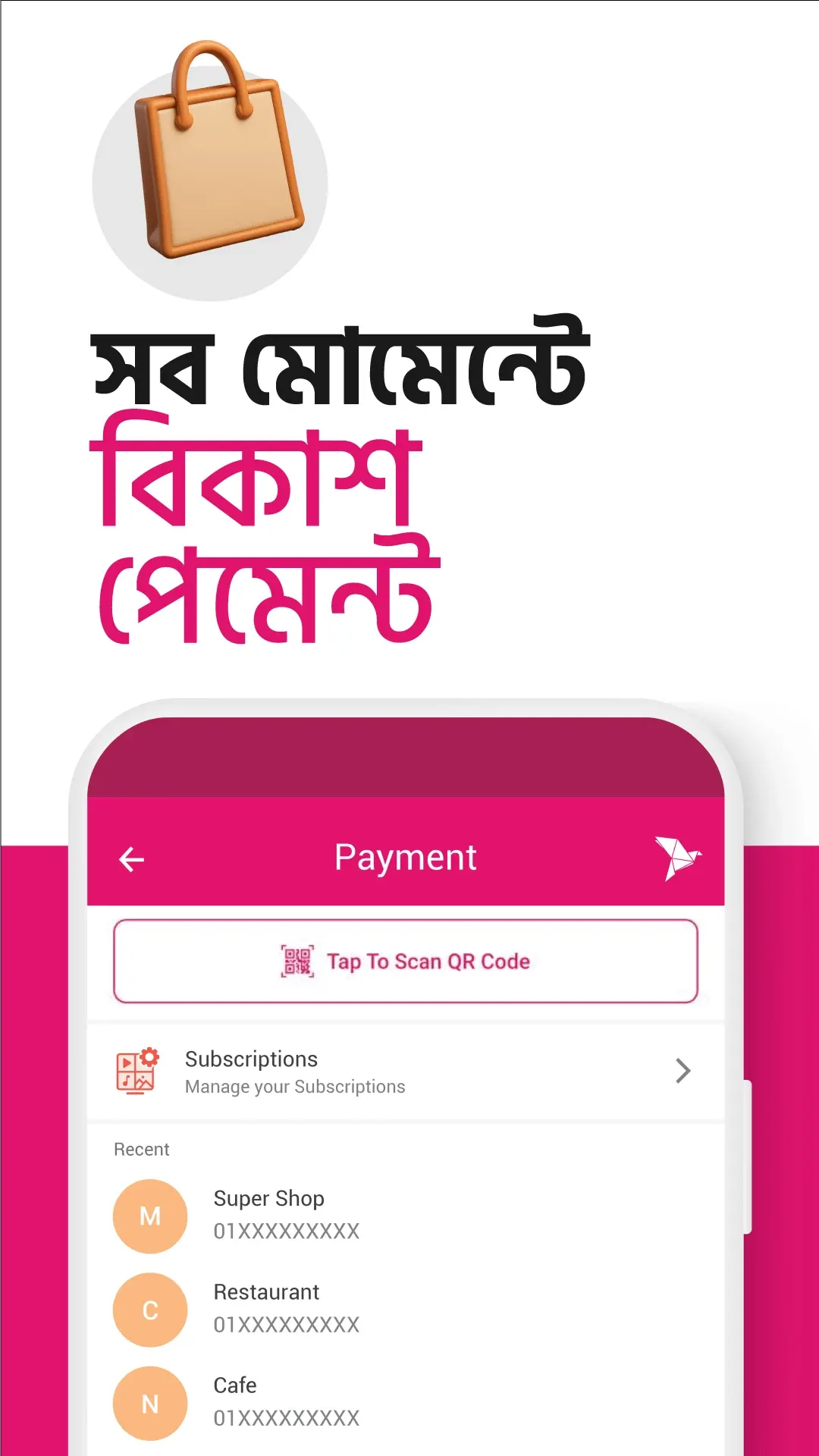
bKash supports payments to participating merchants. Users can also scan supported QR codes to complete payments instead of manually entering all payment information. The official app listing highlights QR-based store payments as one of the app’s main functions.
Cash Out
Money stored in a bKash account can be withdrawn through supported cash-out channels. The app can therefore work as a bridge between digital money and physical cash when needed. Charges and applicable conditions can differ depending on the cash-out method, so checking the current rate before confirming is useful.
Add Money
Users can add funds to their accounts through supported banking and card options. This makes it easier to move money into bKash before using services such as payments, mobile recharge, Send Money, or bill payment.
Pay Bill
The Pay Bill section is useful for handling regular household payments. According to the app, supported categories include electricity, water, gas, internet, telephone, TV, credit card bills, and other services.
bKash to Bank
bKash includes a service for transferring supported funds from an account to participating bank accounts. Availability, supported banks, transaction limits, and fees can change, so the latest details inside the app should be checked before making a transfer.
Request Money
Instead of only sending funds, users can request money from one or multiple customers through the app. This can be useful when friends, relatives, or other known contacts need to send you a specific amount.
Savings Options
Its official information shows that eligible users can access weekly or monthly DPS options from participating banks and financial institutions through the bKash app. Available institutions, amounts, terms, and conditions should always be checked before opening a savings product.
Remittance
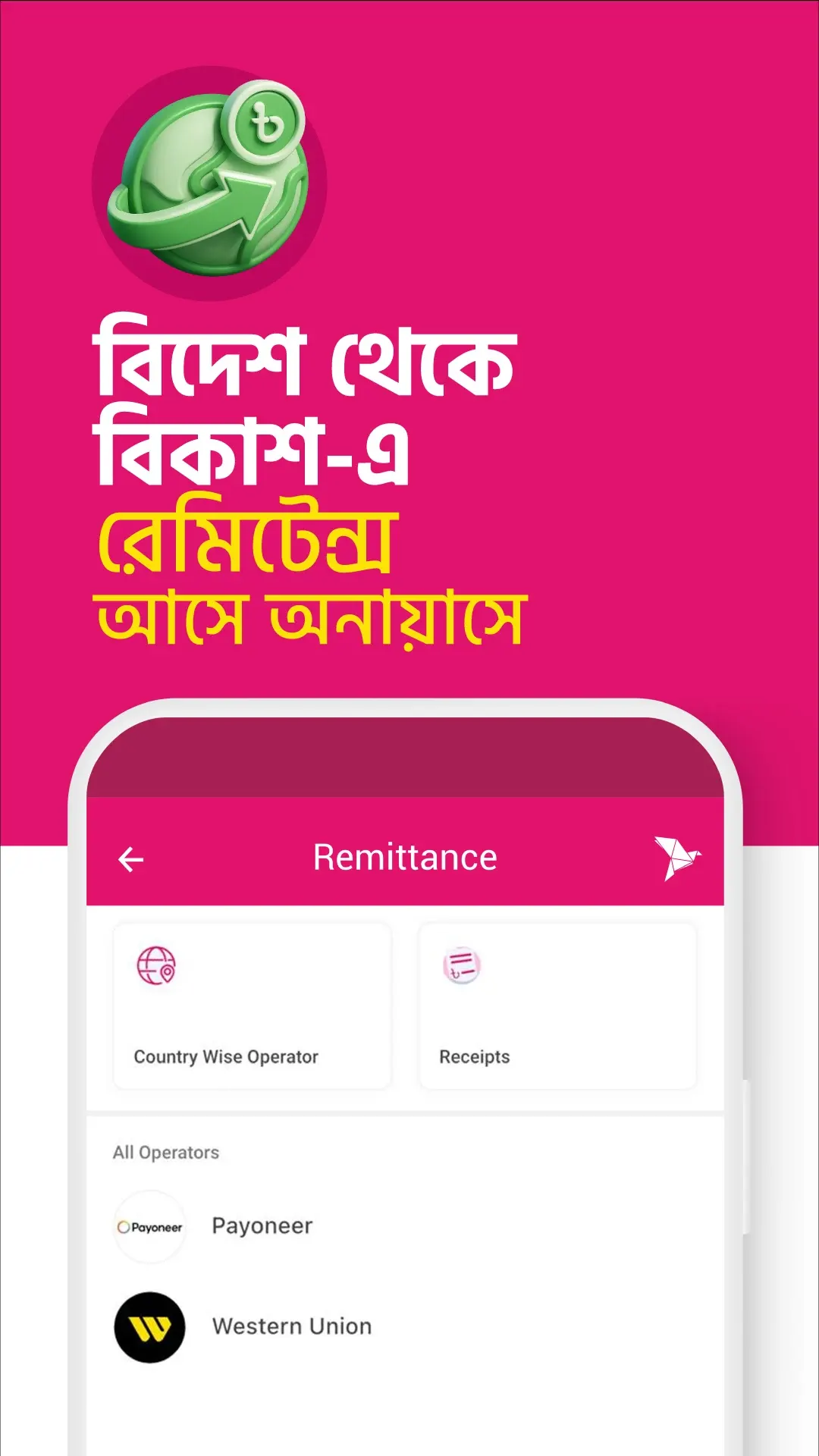
Users in Bangladesh can receive qualifying international remittances into their accounts through authorized channels. bKash also provides remittance-related services for Bangladeshis living abroad. The exact availability and requirements depend on the country, transfer partner, account status, and applicable rules.
Search and Quick Access
The current app includes a search feature that helps users locate available features and offers more easily. This is especially useful as the number of services inside the application continues to grow.
Why Is bKash APK Popular in Bangladesh?
The usefulness of this APK comes from the number of everyday activities that can be handled through one mobile account.
A person may need to send money to a family member in the morning, recharge a phone later, pay a merchant in the afternoon, and settle a utility bill at night. Instead of using a different system for each task, many of these activities can be completed from the same app.
Its reach is another important factor. The official Google Play listing currently shows more than 100 million downloads, which demonstrates the large scale at which the Android app has been installed.
The platform has also grown beyond simple Send Money and Cash Out services. Current bKash services cover payments, bills, banking transfers, savings, remittance, education fees, insurance, donations, microfinance-related services, and other financial tools.
For many users, that means it can become part of several everyday financial activities rather than being used only when someone needs to transfer money.
How to Download and Install bKash APK on Android?
Installing the app on an Android phone is straightforward. Because this is a financial application, users should give extra attention to where the installation file comes from.
Follow these basic steps:
- Open the official Google Play Store on your Android device.
- Search for bKash.
- Check that the application is published by the official website.
- Tap the Install button.
- Wait for the application to finish installing.
- Open the app from your phone.
- Follow the login or account-opening instructions.
- Complete the required verification steps.
- Set up the required account security information.
- Start using the available services.
Opening a New bKash Account
The exact screens may change as the app is updated, but the general process involves downloading the official app, providing the required information, completing identity verification, and setting up account security.
bKash currently states that users can open an account through the app by uploading a supported identification document and following the provided instructions.
Always enter your own correct information during registration. Account requirements can change, so follow the latest instructions displayed by the app rather than relying on an older tutorial.
Everyday Uses of the bKash App
A student may use it to recharge a mobile number or pay an education fee. A family member can use Send Money to transfer funds. Someone shopping at a participating merchant can make a digital payment, while another user may pay an electricity or internet bill from home.
bKash App Without Internet
The Android application itself needs connectivity for its online interface and app-based features. However, the Android app also operates its *247# USSD service, which provides access to supported mobile financial transactions without an internet connection.
Pros and Cons
Pros
- Simple Android interface.
- Send money from a mobile account.
- Supports mobile recharge.
- Merchant and QR payment options.
- Cash Out services are available.
- Utility and other supported bill payments.
- Add Money options.
- Remittance services.
- bKash to Bank facility.
- Savings and other financial services.
- *247# provides access to supported services without mobile internet.
Cons
- Transaction charges can apply to some services.
- Limits and fees depend on the selected transaction.
- Some services have eligibility requirements.
- App-based services require internet connectivity.
- Financial transactions require careful verification before confirmation.
Is bKash APK Safe to Use?
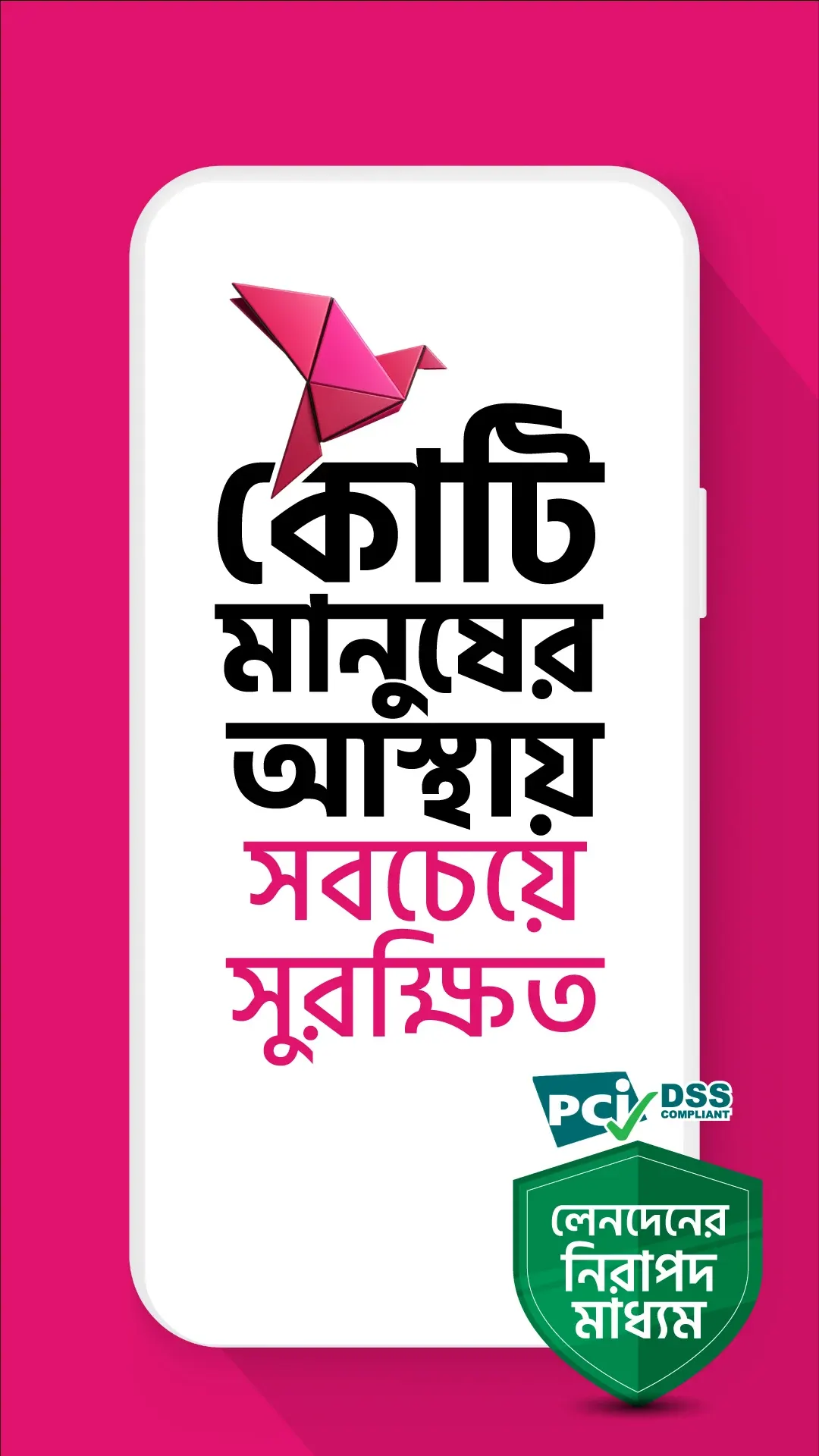
bKash provides several security measures for account and transaction protection. Its official website specifically highlights the use of a PIN and Verification Code and advises customers never to share these details with anyone. It also lists security and compliance certifications, including PCI DSS and ISO standards.
Never give your PIN or verification code to another person. Before sending money, check the recipient’s details carefully. Avoid installing modified copies of this Bengali wallet app from unknown sources, and do not enter account details into suspicious websites or forms.
Conclusion
bKash APK brings many common financial activities into a single Android application for users in Bangladesh. Instead of using the app only for sending money, customers can access mobile recharge, Cash Out, merchant payments, Add Money, bill payments, bank transfers, savings, remittance, education payments, and several other supported services.
Its biggest advantage is convenience. The main services are organized in one mobile dashboard, allowing users to choose what they need and complete many transactions directly from their smartphones.
FAQs
Yes. The official bKash Android application can be downloaded from Google Play. Individual financial services may have their own charges or conditions.
Yes. Send Money is one of the main services available through the app. Users can transfer funds to supported numbers directly from their accounts.
Yes. Mobile Recharge is available within the app, allowing users to recharge supported mobile numbers using their bKash balance.
Yes. The app supports payment of various bills, including supported electricity, water, gas, internet, telephone, TV, and other bills.
Yes, qualifying remittances can be received through authorized banks, money-transfer organizations, and other supported channels. Availability and conditions depend on the transfer method.
Download links
How to install bKash APK?
1. Tap the downloaded bKash APK file.
2. Touch install.
3. Follow the steps on the screen.