
A casino withdrawal pending in Bangladesh can be frustrating when you are waiting for money to reach your selected payment account. However, a pending status does not always mean that the withdrawal has failed. In many cases, the request is simply moving through account checks, transaction processing, payment confirmation, or a temporary technical queue.
The best approach is to stay calm and check the transaction step by step. Small issues such as incorrect account information, incomplete verification, withdrawal limits, or multiple requests can sometimes delay processing.
This guide explains the most useful checks for Bangladesh players. It also covers bKash and Nagad-related transaction troubleshooting, account verification, withdrawal history, support communication, and practical ways to make future cash-out requests smoother.
What Does Casino Withdrawal Pending Mean?
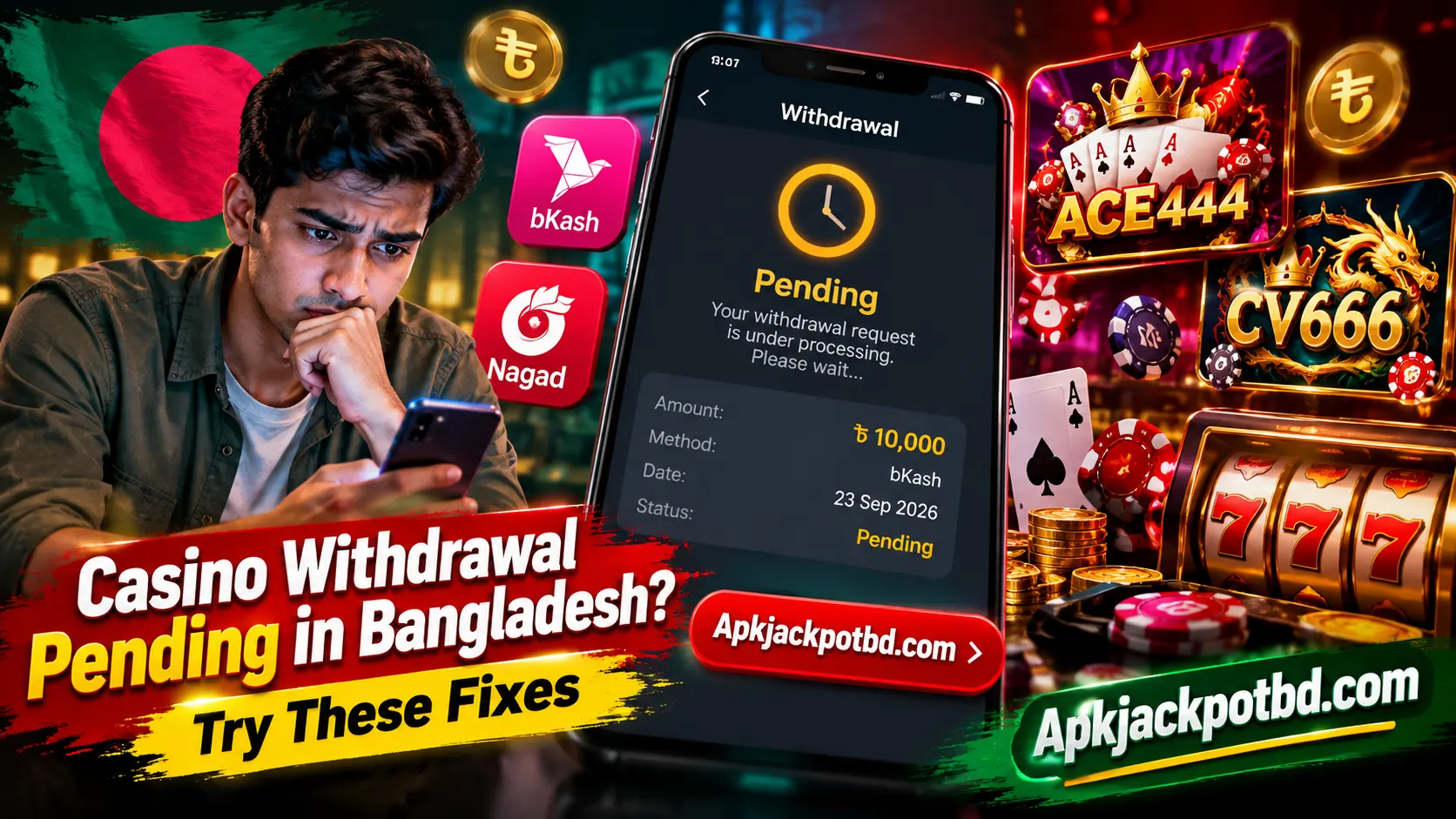
When a casino app shows Pending, it generally means your withdrawal request has been submitted but has not yet received its final status. The money may still be going through the platform’s processing system, account review, or payment stage.
| Status | General Meaning |
|---|---|
| Pending | Request is waiting for processing |
| Processing | Transaction is being handled |
| Approved | Withdrawal has passed the platform’s review |
| Completed | Platform shows the transaction as processed |
| Failed | Transaction could not be completed |
| Cancelled | Withdrawal request was stopped |
| Rejected | Request needs attention before proceeding |
Do not confuse pending with failed. They describe different stages.
Quick Checks Before You Worry
Start with a few basic checks before changing anything in your account.
Open your withdrawal history and confirm:
- Requested withdrawal amount
- Date and time
- Selected payment method
- Mobile wallet number
- Transaction status
- Withdrawal or reference ID
Keeping a screenshot of the withdrawal page is also useful. It gives you the exact information you need if you later contact customer support.
Why Can a Casino Withdrawal Stay Pending?
Some involve the gaming account, while others can involve the payment method or a temporary system issue.
Account Review
A casino platform may review a withdrawal before changing its status to approved or completed. This can be more noticeable when a player is making a first withdrawal or has recently changed account information.
Verification Is Incomplete
Some platforms require users to complete certain account checks before processing withdrawals. If the profile displays a verification notification, complete the legitimate required steps through the platform’s normal account section.
Payment Details Need Checking
An incorrect mobile number or payment account can prevent a transaction from progressing normally. Always double-check payment details before submitting.
Processing Queue
During periods with many transaction requests, a platform may process withdrawals in a queue rather than instantly.
Temporary Technical Issue
Server maintenance, unstable internet, outdated application data, or a temporary payment-system interruption can also affect how quickly the transaction status updates. The important point is to identify the cause instead of repeatedly cancelling and resubmitting the same request.
Check the Withdrawal History.
Your withdrawal history should be the first place you visit.
Instead of relying only on your current balance, open the transaction section and locate the exact withdrawal.
Look for a transaction ID or withdrawal ID.
This number is particularly helpful because support can use it to identify the correct transaction without searching through your entire account history.
For example:
Amount: ৳5,000
Method: Selected payment account
Status: Pending
Transaction ID: WD123456
Save these details until the payment issue is resolved.
Confirm Your Account Information
Next, review the information in your gaming account.
Make sure your registered details have not accidentally been entered incorrectly.
Check your:
- Registered phone number
- Account name
- Payment information
- Profile status
- Verification status
Consistency can make transaction reviews easier.
If you recently changed important account information, check whether the platform requires confirmation before processing financial requests.
Double-check bKash or Nagad Information
Mobile financial services are widely used in Bangladesh. Bangladesh Bank’s current payment system information lists both bKash and Nagad among MFS services/providers operating in the country.
If a transaction involves an MFS account, carefully check the number associated with the request.
One incorrect digit can send the transaction into an unsuccessful state or require further review.
Do not immediately create another withdrawal just because the first one remains pending. First establish what happened to the existing request.
If the payment-side transaction itself appears to have a problem, use the official support options of the relevant MFS provider.
Complete Required Account Verification
Verification can be an important part of payment processing.
If your account clearly shows that a legitimate verification step is incomplete, complete it before repeatedly attempting withdrawals.
Depending on the service, verification may involve confirming a mobile number, account information, or another required detail.
After completing the required step, return to the transaction page and check whether the withdrawal status changes.
Avoid submitting the same information multiple times unless requested.
Check Minimum and Maximum Withdrawal Limits
Another simple issue is the withdrawal amount.
Gaming platforms can have different transaction limits. A request may need to fall within the platform’s displayed minimum and maximum range.
Before submitting, check the withdrawal page for information such as
- Minimum withdrawal: The smallest amount accepted in one request.
- Maximum withdrawal: The largest amount allowed in one transaction.
- Daily limit: The total amount that may be requested during a specific period.
These limits can vary between platforms and can change, so use the information displayed in your current account rather than assuming the same rules apply everywhere.
Review Promotion and Bonus Conditions
If your account includes promotional funds, check the terms attached to the promotion.
Some gaming promotions separate promotional balances from ordinary account balances or apply conditions before particular funds become available for withdrawal.
The easiest approach is to open the relevant promotion and read its current conditions.
Check:
- Which balance is withdrawable
- Whether the promotion is still active
- Whether any stated conditions remain incomplete
- Whether cancelling the promotion affects its associated balance
Understanding this information before requesting a withdrawal can prevent unnecessary confusion later.
Avoid Sending Multiple Requests
A common reaction to a pending transaction is:
“Maybe I should submit it again.”
That can actually make your transaction history harder to understand.
You may end up with one pending request, another cancelled request, and a third newly submitted transaction.
Instead, follow one withdrawal from beginning to end whenever possible.
Keep its transaction ID and check that specific request.
This makes it much easier to explain the situation to support.
Give the Processing System Time to Update
Not every digital transaction updates instantly.
Bangladesh’s regulated MFS framework itself recognizes formal dispute handling and transaction-resolution processes. Bangladesh Bank’s MFS regulations require providers to maintain mechanisms for receiving and tracking customer disputes.
For a gaming platform, however, the processing period should be taken from the platform’s own current withdrawal information rather than assumed.
If it says a withdrawal may require a certain period, wait until that displayed period has passed before treating the transaction as overdue.
Check the transaction history periodically rather than continuously cancelling and resubmitting it.
Check Your Internet Connection
Sometimes the payment is not the actual problem—the app simply has not refreshed its status correctly.
Try switching between Wi-Fi and mobile data.
Then:
- Close the app completely.
- Check your internet connection.
- Reopen the application.
- Sign in normally.
- Open transaction history.
- Check the withdrawal again.
If the status has changed, the earlier display may simply have been outdated.
Update the App When Necessary
Older application versions can sometimes have interface or synchronization problems.
If you are using an APK-based gaming application, check whether you are using the expected current version before troubleshooting a display issue.
Do not delete the app immediately if you are unsure about your login information.
First make sure you know your username, password, and any linked account details required to sign back in.
Also avoid clearing important app data unnecessarily while a transaction is being investigated.
Check Whether the Withdrawal Was Returned
Sometimes an unsuccessful withdrawal does not remain pending forever.
The request may eventually be cancelled or rejected, and the amount may return to the gaming balance.
Check both:
Transaction history and current balance.
For example, if you requested ৳3,000 and the withdrawal later shows “Cancelled,” check whether that ৳3,000 has been restored to your account balance.
If it has, you can investigate why the request was cancelled before deciding what to do next.
Contact Customer Support the Right Way
If the normal processing period has passed, customer support becomes the most useful next step.
Instead of simply saying:
“My withdrawal is not coming.”
Provide complete but non-sensitive transaction information.
A useful message can say:
My withdrawal is still showing as pending. The amount is ৳5,000, and my withdrawal ID is WD123456. Please check the current transaction status and tell me whether I need to complete any account step.
This gives support something specific to investigate.
You can also attach a screenshot showing the transaction status.
Information to Keep Ready for Support
Before opening a support conversation, prepare:
| Information | Why It Helps |
|---|---|
| Username | Identifies your account |
| Withdrawal ID | Finds the exact request |
| Amount | Confirms the transaction |
| Request time | Helps locate the record |
| Payment method | Identifies the payment route |
| Screenshot | Shows the displayed status |
Never include your password or financial PIN in a normal support message.
What About ACE444 and CV666?
Players may also encounter gaming platforms such as ACE444 and CV666 while browsing Android casino-style apps.
If a withdrawal on either platform remains pending, the same troubleshooting structure can be used.
Start by opening the withdrawal history and checking the exact status.
Then confirm:
- Withdrawal amount
- Account details
- Selected payment method
- Transaction ID
- Account verification status
- Displayed withdrawal limits
- Relevant promotion conditions
If everything is complete but the transaction remains pending beyond the platform’s stated processing period, contact its support service with the transaction ID.
The important point is not to assume that every gaming app follows identical processing rules. Check the information shown inside the specific platform you are using.
What If the Withdrawal Shows Completed?
This situation is different from a pending request.
If the gaming platform shows Completed, first check your actual payment account and transaction history.
Allow time for the receiving system to refresh if appropriate.
If the payment still cannot be identified, contact the platform and ask for the payment reference associated with the completed transaction.
Then compare that information with your payment records.
This gives both sides a specific transaction to investigate instead of relying on a general statement that the payment is missing.
What If bKash Shows a Transaction Problem?
If the issue appears to be on the bKash side rather than only inside the gaming application’s dashboard, use bKash’s official customer-service options.
bKash introduced an in-app complaint feature in 2026 for supported transaction categories, allowing customers to submit and track complaints from its Customer Service section. Its other official support channels continue to include Live Chat and the 16247 hotline.
This creates a useful distinction:
Game-side issue: Contact the platform with the withdrawal ID.
Payment-side issue: Contact the relevant payment provider using the payment transaction information.
Knowing which side has the unresolved transaction can save a lot of unnecessary troubleshooting.
Keep Transaction Screenshots
Screenshots are simple but extremely useful.
Whenever you make an important withdrawal request, consider saving the confirmation screen until the transaction finishes.
Capture:
- Withdrawal amount
- Date
- Status
- Transaction ID
- Payment method
Once everything is completed successfully, you may no longer need them.
If something takes longer than expected, however, you already have the information required for support.
Use the Correct Payment Account
Try to keep payment information consistent.
Changing payment accounts frequently can make transaction management more complicated.
If a gaming account is registered with one set of details while withdrawals repeatedly use different information, additional checks may be triggered by some systems.
Using accurate information from the beginning reduces avoidable errors.
Do Not Refresh the Withdrawal Repeatedly
Users sometimes repeatedly press the withdrawal button because the first request appears slow.
This can create duplicate requests or confusing transaction records.
Once the withdrawal has been accepted and appears in transaction history, treat that as confirmation that the request has been submitted.
Follow that transaction instead of creating another one.
Keep Enough Free Storage on Your Phone
This may sound unrelated, but very low storage can cause Android applications to behave poorly.
An app may fail to cache information correctly, crash, or struggle to update.
If your gaming app is behaving unusually across several areas—not only withdrawals—check your available storage.
Removing unnecessary files and restarting the device can sometimes improve general application performance.
Simple Withdrawal Troubleshooting Table
| Problem | First Thing to Check |
|---|---|
| Withdrawal pending | Processing time and status |
| Payment not visible | Payment account history |
| Request rejected | Displayed rejection reason |
| Wrong wallet details | Transaction information |
| Verification pending | Account verification page |
| Bonus balance issue | Promotion conditions |
| App not updating | Internet and app refresh |
| Request cancelled | Check returned account balance |
| Support needs details | Provide withdrawal ID |
| Completed but not received | Request payment reference |
This approach keeps troubleshooting organized rather than relying on random fixes.
Tips for Smoother Future Withdrawals
A little preparation can make future transaction management much easier.
Before pressing Withdraw:
- Check the number carefully. Read the payment account twice before confirming.
- Review the amount. Make sure it fits the currently displayed transaction limits.
- Check account status. Complete any legitimate verification requirements beforehand.
- Read promotion conditions. Understand which part of your balance is currently available.
- Use stable internet. Avoid submitting financial requests while your connection repeatedly disconnects.
- Save the transaction ID. Keep it until the withdrawal reaches its final status.
- Avoid duplicate requests. Give the existing transaction time to process.
- These habits take only a few seconds but can prevent many common problems.
When Should You Escalate a Payment Complaint?
If the underlying issue concerns a regulated bank or MFS provider and remains unresolved after contacting that provider, Bangladesh Bank operates its Customer Interest Protection Centre (CIPC) for customer complaints involving banks, finance companies, and MFS providers.
Bangladesh Bank recommends contacting the relevant provider first, escalating through its complaint process if necessary, and then approaching CIPC when the matter remains unresolved.
This applies to issues within Bangladesh Bank’s regulatory scope; it does not mean Bangladesh Bank handles every dispute involving an unrelated gaming platform.
Frequently Asked Questions
Yes, a pending transaction can move to another status after processing. Check your transaction history for updates.
It is usually easier to track the existing request first instead of creating duplicate transactions.
It allows support to identify the exact transaction much faster.
Yes. A weak connection can sometimes prevent an app from showing recently updated account information.
Confirm your account information, payment details, amount, withdrawal limits, and any relevant account requirements before submitting.
Final Thoughts
A casino withdrawal pending in Bangladesh does not automatically mean something has gone wrong. The most useful response is to check the request systematically.
Start with the transaction history. Confirm the amount, payment details, account status, withdrawal ID, and the platform’s displayed processing period. If the app is not updating properly, check your connection and reopen it before making another request.
For platforms such as ACE444, CV666, or other casino-style applications, follow the specific withdrawal information displayed by that platform rather than assuming every app works the same way.
Most importantly, keep your transaction details organized. A screenshot and withdrawal ID make it much easier to understand the status and communicate clearly with support.