BDTWIN
1 Hour Ago
7 MB
1.5.1
Android 5.0 and above
19M+

Description
Bangladesh’s mobile gaming space keeps introducing new platforms for users who want entertainment, reward activities, and account management from their smartphones. Among these newer names, BDTWIN is gaining attention as an earning-style gaming app designed around convenient mobile access.
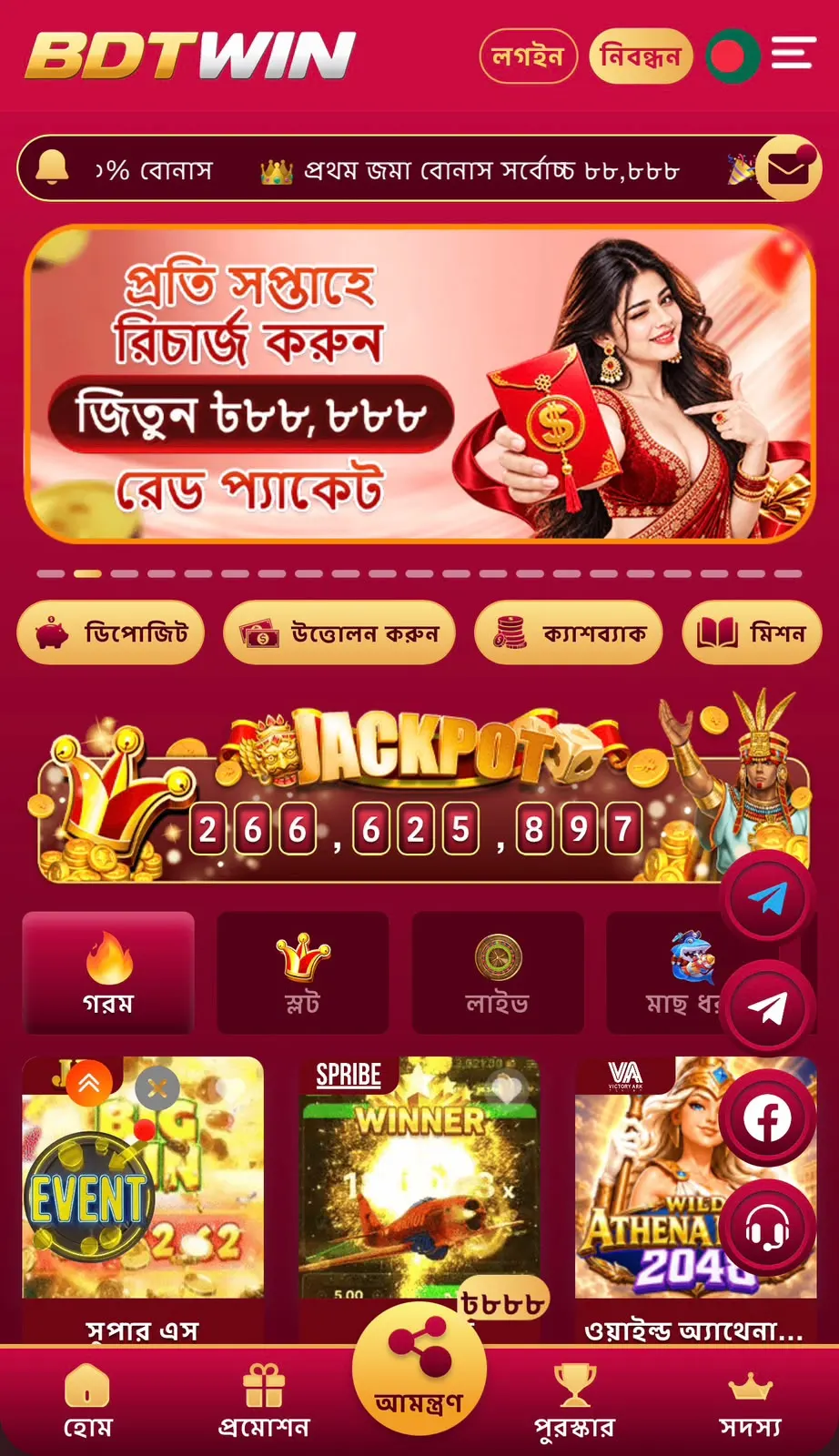
What makes an app useful, however, is not simply the number of games displayed on its home screen. Users also care about how easily they can move around the platform, understand their wallet, find promotions, check previous activity, and manage their accounts. Plus, this earning app brings these areas together in a single mobile environment.
For anyone hearing about the BDTWIN app for the first time, it makes sense to understand the platform before getting started. This guide explores its gaming experience, major features, APK installation, account setup, payment management, promotional opportunities, referrals, and practical ways to use the app more confidently.
What is BDTWIN?
BDTWIN is an Android-focused gaming and earning platform intended to provide several types of mobile entertainment within one account. Instead of downloading a separate application for every gaming format, users can explore the categories currently offered through its central game lobby.
The platform is also designed around more than gameplay. Important areas such as the wallet, account records, promotional activities, profile controls, and other available tools can be accessed through the same account.
This combination can be convenient for Bangladeshi smartphone users who prefer keeping their gaming and account activity organized in one place.
Why is BDT WIN Attracting Attention in Bangladesh?
Several aspects can make a newer platform interesting to mobile users.
Designed Around Smartphone Use
BDTWIN APK also follows a mobile-first approach. Menus, game sections, wallet tools, and account controls are arranged for users who mainly access the platform from Android phones.
Different Entertainment Choices
Not everyone enjoys the same style of game. Having multiple categories gives users more freedom to browse different formats instead of being limited to a single type of gameplay.
Convenient Account Controls
Frequently used sections are kept close to the main dashboard. This can save time when users want to check their balance, transaction activity, profile, or available rewards.
Promotional Activities
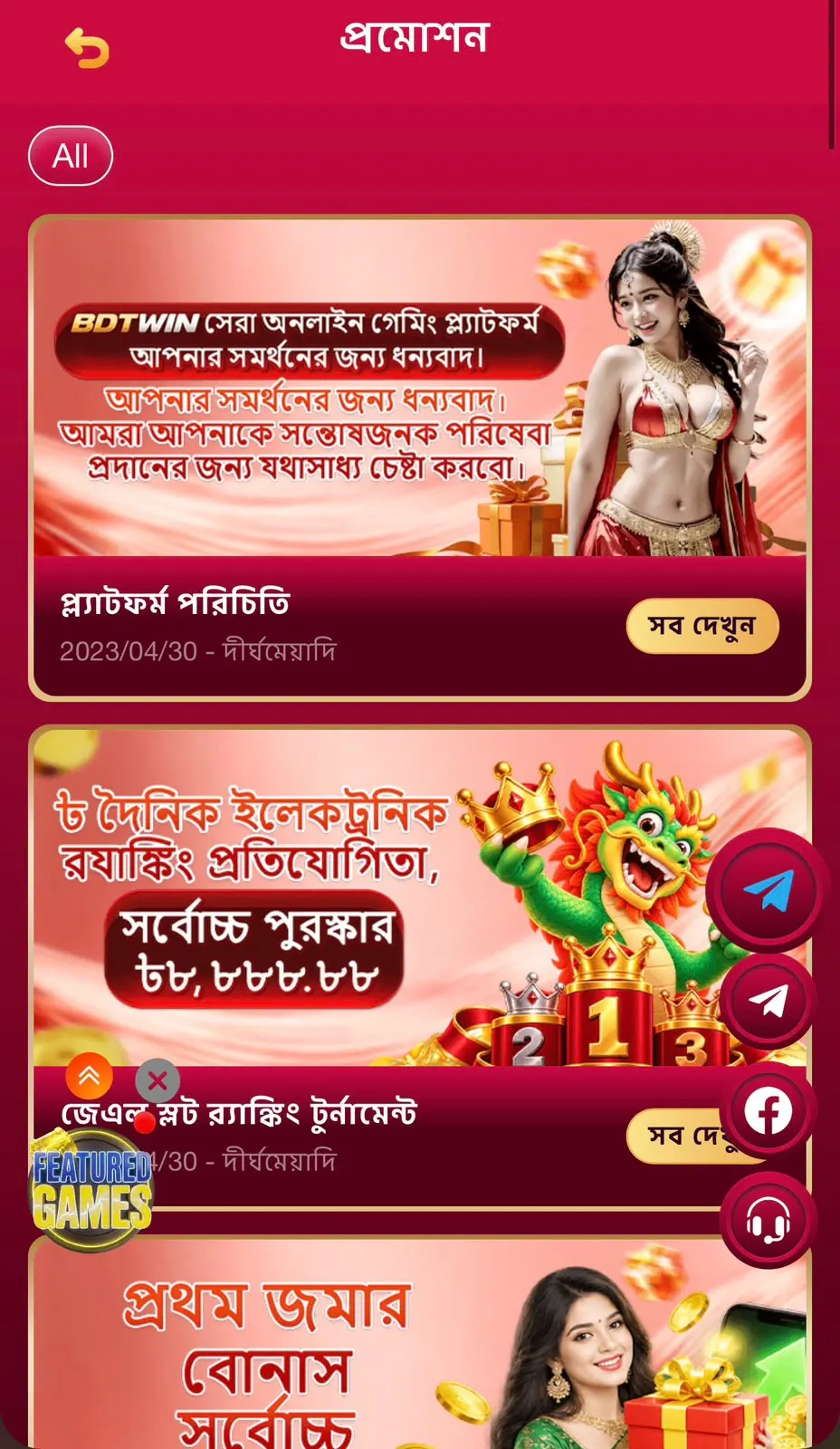
Campaigns and account-based activities can provide something extra to explore outside the standard game lobby. Their availability and requirements can change, so the current terms should always be checked.
Bangladesh-Focused Experience
For local users, mobile compatibility and access to familiar payment channels—where currently supported—can make account management more convenient.
Key Features of BDTWIN Earning App
Clean and Organized Dashboard
A crowded interface can make even a feature-rich app difficult to use. BDTWIN BD aims to keep commonly used areas within easy reach so users can move between games and account functions without unnecessary steps.
Multiple Gaming Sections
Rather than building the entire platform around one game, the casino app can bring different gaming formats into its lobby. This creates more variety for users who like changing between different types of entertainment.
Easy Wallet Access
The wallet area acts as the financial center of the account. Users can check their displayed balance and locate currently available deposit or withdrawal controls from this section.
Account Activity Records
Previous account activity can be useful when checking an earlier transaction. Available records allow users to review information instead of depending entirely on memory.
Reward Center
Furthermore, the earning app can place eligible promotions and activities in a separate area. This makes it easier to read individual campaign details before deciding whether to participate.
Referral Tools
When an invitation campaign is active, users may receive an invite link or referral code together with tools for checking eligible referral activity.
Profile Management
Account settings give users a central place to manage available personal information and security-related options.
Mobile-Friendly Performance
A good Android experience is not only about appearance. Fast menu response, readable text, manageable loading times, and stable navigation can all contribute to comfortable everyday use.
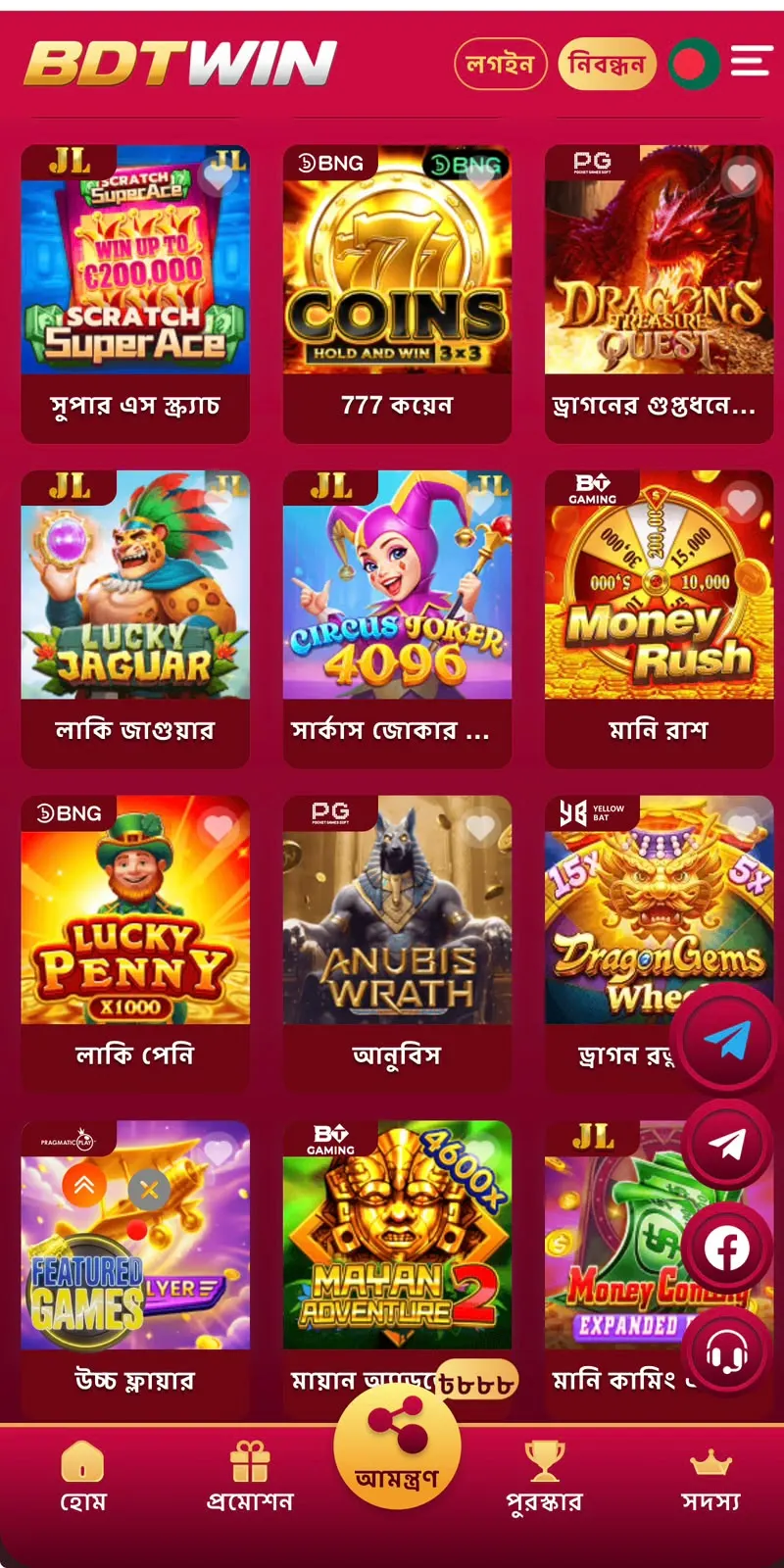
High Winning Games on BDTWIN APK
Gaming variety can make a platform more interesting because users are not restricted to one format.
Slot-Style Games
These games generally use reels, symbols, themes, and different round structures. Individual titles can have their own rules and entry ranges.
Card-Based Games
Users who prefer card formats may find different table or card-inspired options within the available lobby.
Crash and Multiplier Games
These are usually faster rounds built around changing multipliers and timing. Users should understand the individual rules before participating.
Live-Style Games
Where available, live-inspired sections can provide a more interactive table-style experience compared with standard automated games.
Prediction Games
Some formats are based on choosing between available outcomes before a round is completed.
Quick Games
Short-round games may appeal to users who prefer brief mobile sessions rather than spending a long time on a single round.
How to Download and Install BDTWIN APK?
Because an APK may be installed outside the normal Android app store, users should pay attention to where the installation file comes from.
The general process is
- Find the current BDTWIN APK from a source you trust.
- Tap the available download option.
- Allow the file to finish downloading completely.
- Open your phone’s Downloads or Files section.
- Select the APK.
- Allow installation from that source if Android requests permission.
- Complete the installation.
- Open the app after it has been successfully installed.
Before installation, users should also confirm that their device has sufficient free storage and that the APK is compatible with their Android version.
BDTWIN Registration and Login Process
Setting up an account should be done carefully because the information entered during registration may later be connected with login recovery or payment verification.
A new user can generally begin by opening the registration section and completing the requested fields. Depending on the current setup, this may include a mobile number, password, verification information, and an optional referral field.
After registration, keep the login credentials private. Returning users can enter their registered information through the login screen to reach their account dashboard. Avoid giving passwords or verification codes to another person, even if they claim they need them to access or fix the account.
Understanding the BDTWIN Dashboard
The dashboard connects the different parts of the account.
| Dashboard Area | Main Purpose |
|---|---|
| Game Lobby | Browse currently available games |
| Wallet | Access balance and transaction controls |
| Promotions | Check eligible campaigns and rewards |
| Records | Review available account activity |
| Referral | Find current invitation features |
| Profile | Manage available account settings |
| Support | Locate assistance options when provided |
Deposit and Withdrawal Options
Managing money carefully is particularly important on any real-money gaming platform.
Making a Deposit
Start from the BDTWIN wallet and select the deposit area. Choose one of the payment channels currently displayed for the account, enter the required amount, and follow the payment instructions shown on the screen.
After completing the transaction, retain the payment reference until the balance is correctly reflected in the account.
Requesting a Withdrawal
Open the withdrawal section and choose an available payout method. Enter the required receiving information and amount, then check everything carefully before submitting the request.
Incorrect wallet or account details can cause unnecessary problems, so users should review the information rather than rushing through this step.
For Bangladesh, users may look for familiar services such as bKash, Nagad, Rocket, or Upay, but the actual methods, transaction limits, and availability should be confirmed from the current wallet before payment.
BDTWIN Bonuses and Reward Activities
Promotions can add another layer to the platform, but each campaign can work differently.
| Reward Type | What It May Offer |
|---|---|
| New Member Activity | Promotional benefits for qualifying new accounts |
| Daily Activities | Rewards linked with eligible recurring participation |
| Deposit Campaigns | Offers connected with qualifying deposits |
| Referral Rewards | Benefits for completing current invitation requirements |
| Cashback Campaigns | Promotional returns under stated conditions |
| VIP Activities | Additional benefits for eligible membership levels |
| Special Events | Limited campaigns running during selected periods |
| Task Rewards | Benefits linked with completing specified activities |
Users should read the conditions attached to an offer before claiming it. A promotional balance may not always follow the same rules as ordinary deposited funds.
Why Bangladeshi Users May Find BDTWIN Convenient
The appeal of this earning app can come from how its different functions work together rather than from one individual feature.
Users may appreciate:
- Several gaming formats under one account
- Android-focused access
- Simple dashboard navigation
- Central wallet controls
- Accessible transaction records
- Promotional activities
- Referral features when offered
- Account management from a smartphone
- Familiar local payment choices when supported
For users who mainly rely on their phones, keeping these functions together can make the overall experience easier to manage.
Smart Ways to Use BDTWIN App
Explore Before Spending
New users can first learn where important sections are located. Understanding the dashboard costs nothing and can prevent mistakes later.
Read Individual Game Rules
Two games that look similar can still use different mechanics. Check the rules and available limits before entering a paid round.
Set Your Own Budget
Choose an entertainment amount before starting rather than deciding after each round. Real-money games can result in losses, so a fixed budget helps keep spending controlled.
Inspect Promotions Carefully
Look beyond the headline reward. Check eligibility, expiry, qualifying activity, and other conditions connected with the campaign.
Keep Transaction References
Payment IDs or confirmation records can be valuable if a balance does not update as expected.
Protect Login Information
Use a private password and never share OTPs or account-recovery information with another person.
Check Your Activity History
Reviewing records regularly can help users understand deposits, withdrawals, and other account movements more clearly.
BDTWIN Referral Program and its Benefits
Referral campaigns can give existing members another way to participate in platform promotions when such an offer is active.
A typical process may involve opening the referral area, copying the available invitation link or code, and sharing it with eligible new users. The dashboard may then provide information about qualifying referral activity.
However, simply sending a link does not necessarily qualify someone for a reward. A campaign may require the invited user to complete additional steps.
For this reason, always read the current referral conditions, including eligibility, required activity, reward calculation, and campaign duration.
What Makes a Good BDTWIN Experience?
A useful mobile gaming experience depends on more than colorful graphics or a large promotional banner.
Users should be able to understand where their money is recorded, locate transaction information without difficulty, distinguish regular balance from promotional rewards, and find important account controls when needed.
The quality of mobile navigation matters as well. Buttons should be readable, important areas should be easy to locate, and users should not need to search through unrelated pages simply to reach basic wallet or account functions.
These practical details can have a greater effect on everyday usability than the number of features advertised on the home screen.
Pros and Cons
Pros
- Mobile-focused interface
- Multiple game categories
- Central wallet management
- Promotional activities
- Referral features when available
- Accessible account records
- Simple navigation for newcomers
- Bangladesh-focused mobile experience
Cons
- Real-money gaming involves financial risk
- Promotional conditions can change
- Payment availability may differ between accounts or periods
- APK users need to verify the download source
- Individual games can have different rules
- Spending requires personal control
Final Thoughts
BDTWIN brings mobile gaming, wallet functions, account controls, rewards, and other supporting features into one Android-focused environment. For Bangladeshi users who prefer managing everything through a smartphone, this type of setup can be convenient.
Still, the best way to approach a newer earning-style gaming platform is to understand it before spending money. Explore the dashboard, check the current payment information, learn individual game rules, read promotion conditions, and keep account credentials protected.
FAQs
If the account is connected to registered login credentials, users may be able to sign in from another compatible device. Check the platform’s current device and security rules before switching phones.
Keep the transaction ID, payment amount, date and time, selected payment method, and any relevant confirmation screenshot. These details can make a payment issue easier to explain.
Verification can be used for account security, payment processing, or confirming account ownership. Only provide requested information through a legitimate account interface or verified support channel.
Deleting the downloaded APK file after installation is different from removing the installed app. However, clearing complete app data can remove locally stored settings and may require you to log in again.
Download links
How to install BDTWIN APK?
1. Tap the downloaded BDTWIN APK file.
2. Touch install.
3. Follow the steps on the screen.